Inline Commands
 Simon Hoque32 downloads
Plugin to execute commands and insert content inline
- Overview
- Scorecard
- Updates1
This is a plugin for Obsidian (https://obsidian.md) to insert text into your note by running commands inline.
Usage
Type % anywhere in your note to activate a suggestion dropdown with available commands based on what you have typed. By default, the suggestions will be:
- No-op command: Keeps whatever you have typed after
% - Paste all available commands: Pastes a code block in your note to show what commands you can use
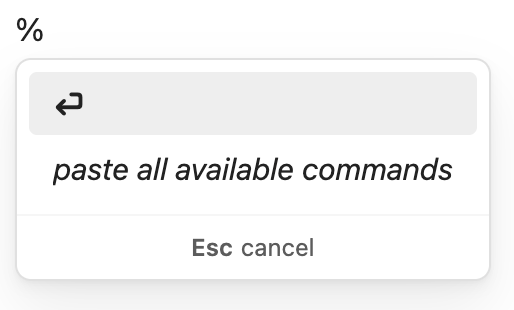
The default release comes with the following available commands (as output when paste all available commands is selected):
Syntax: cmd;arg1;arg2;...

unwrapped text is explicit
{} wraps placeholders
() wraps optional args

e;{block-id}
- embed any block into your note with a block ID

pr;{repo}-{pull-request-number}
- embed a reference to a GitHub pull request

pr;{url};({description})
- create a reference to a GitHub pull request
Example: Creating and embedding a PR reference
Two of the default commands included with the plugin are to create and embed block references for GitHub pull requests anywhere in your notes. These two commands were the main motivation for me to create this plugin as they feel natural to how I take notes for myself. I wanted a way to quickly paste a URL in my daily note, have it automatically be prettified, and then be able to embed that reference in my later daily notes.
To create a reference to a pull request, I'd type the following into my note:
%pr;https://github.com/obsidianmd/obsidian-sample-plugin/pull/127;update TS version
The plugin will show the corresponding suggestion:
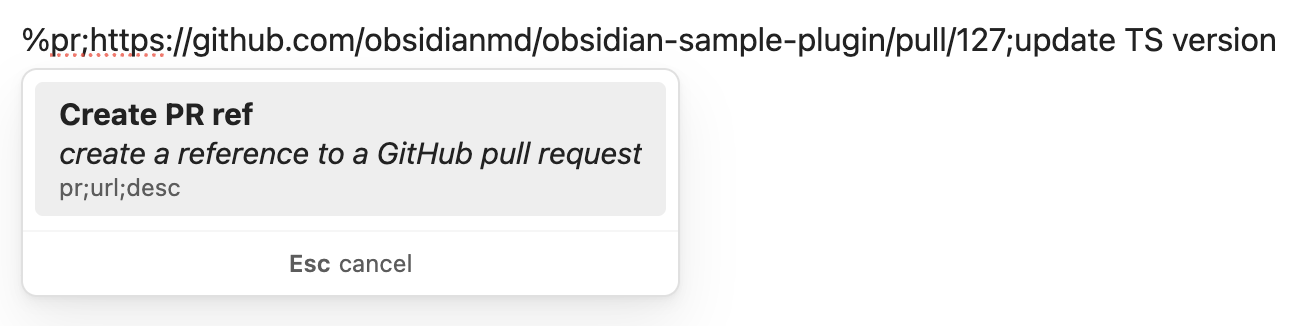
When I press enter, the plugin will paste the output of the command directly into my note:
[**obsidian-sample-plugin#127**](https://github.com/obsidianmd/obsidian-sample-plugin/pull/127) update TS version ^pr-obsidian-sample-plugin-127
Which renders as:
obsidian-sample-plugin#127 update TS version ^pr-obsidian-sample-plugin-127
Then, to embed that pull request reference into my note, I'd type:
%pr;o
And it'll search my vault for PR references that include with o, display the markdown, and show the source of the block reference:
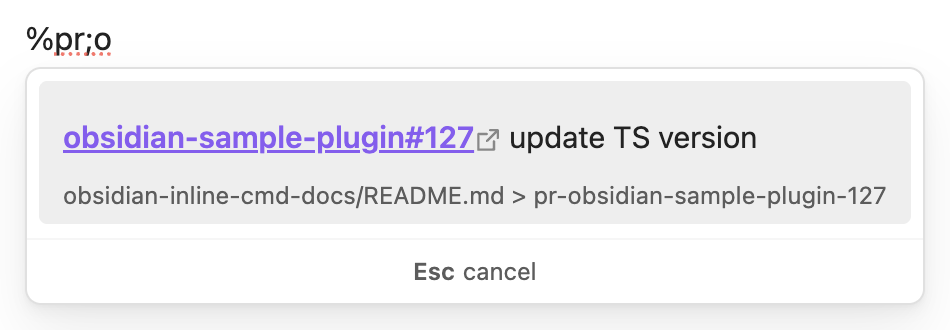
Similarly, I could type sam, plugin or 127 and they'd all include the reference as a suggestion:
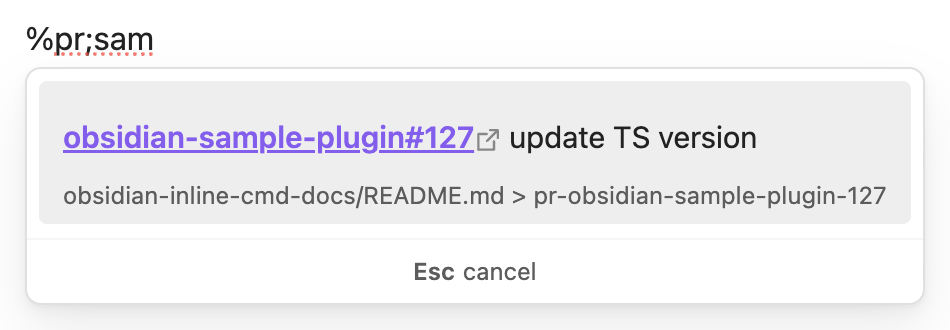
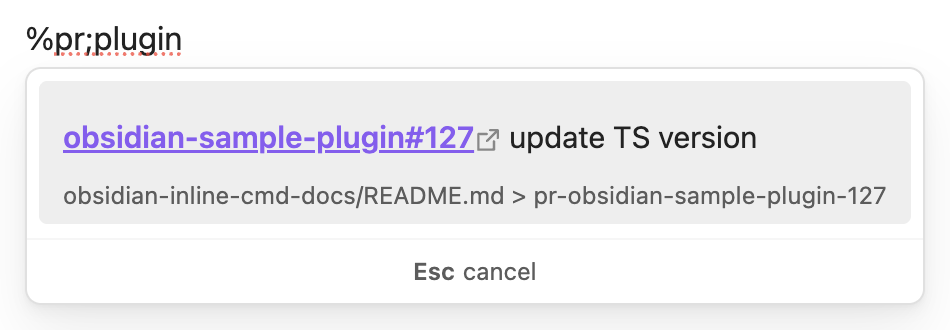
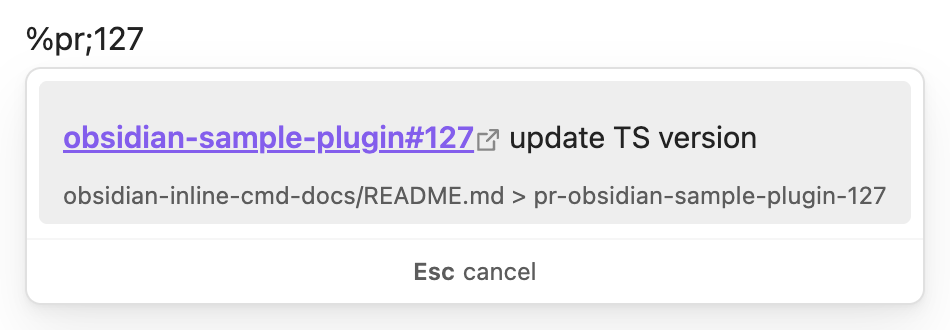
When I select the suggestion, it'll insert the following markdown into my note:
![[path-to-my-note/README.md#^pr-obsidian-sample-plugin-127|obsidian-sample-plugin#127]]
Which looks like:

As I use the Minimal theme that allows me to paste clean embeds, my notes for any given PR look seamless across all my daily notes, but I only have to keep it updated in one place.
Future versions
Addressing feedback!
If people use this and have feedback, I'm happy to listen and potentially improve/update/change parts of the plugin.
Customizable commands
I intend to create a friendly UX for users to create and maintain their own inline commands and shortcuts. It's not really a novel concept, notable examples are the default Insert table command and natural language dates. Using a deterministic cmd;arg1;arg2;... pattern makes this a bit more customizable for a variety of use cases, so I hope this will be of use for people with different note-taking needs and habits.
Import/export commands
Along the same lines as above, I think it would be nice to be able to import and export commands so that the useful ones can be shared.
New default commands
As running commands involves executing somewhat opaque backend code, I think keeping the plugin minimal is best and I don't plan to add new default commands.
How to use
- Clone this repo.
- Make sure your NodeJS is at least v18 (
node --version). npm ito install dependencies.npm run devto start compilation in watch mode.
Manually installing the plugin
- Clone this repo.
- Make sure your NodeJS is at least v18 (
node --version). npm i.npm run build.- Copy over
main.js,styles.css,manifest.jsonto your vaultpath-to-vault/.obsidian/plugins/your-plugin-id/.