Composition Mode
 kazys varnelis2k downloads
Distraction-free writing mode with paper container, book page sizes, point-size type controls, zoom, and adjustable background.
- Overview
- Scorecard
- Updates12
A distraction-free writing mode for Obsidian that turns the editor into a paginated, paper-like page. Designed for long-form writing where you want to see your text the way it will eventually print, without chrome, sidebars, or line-length surprises.
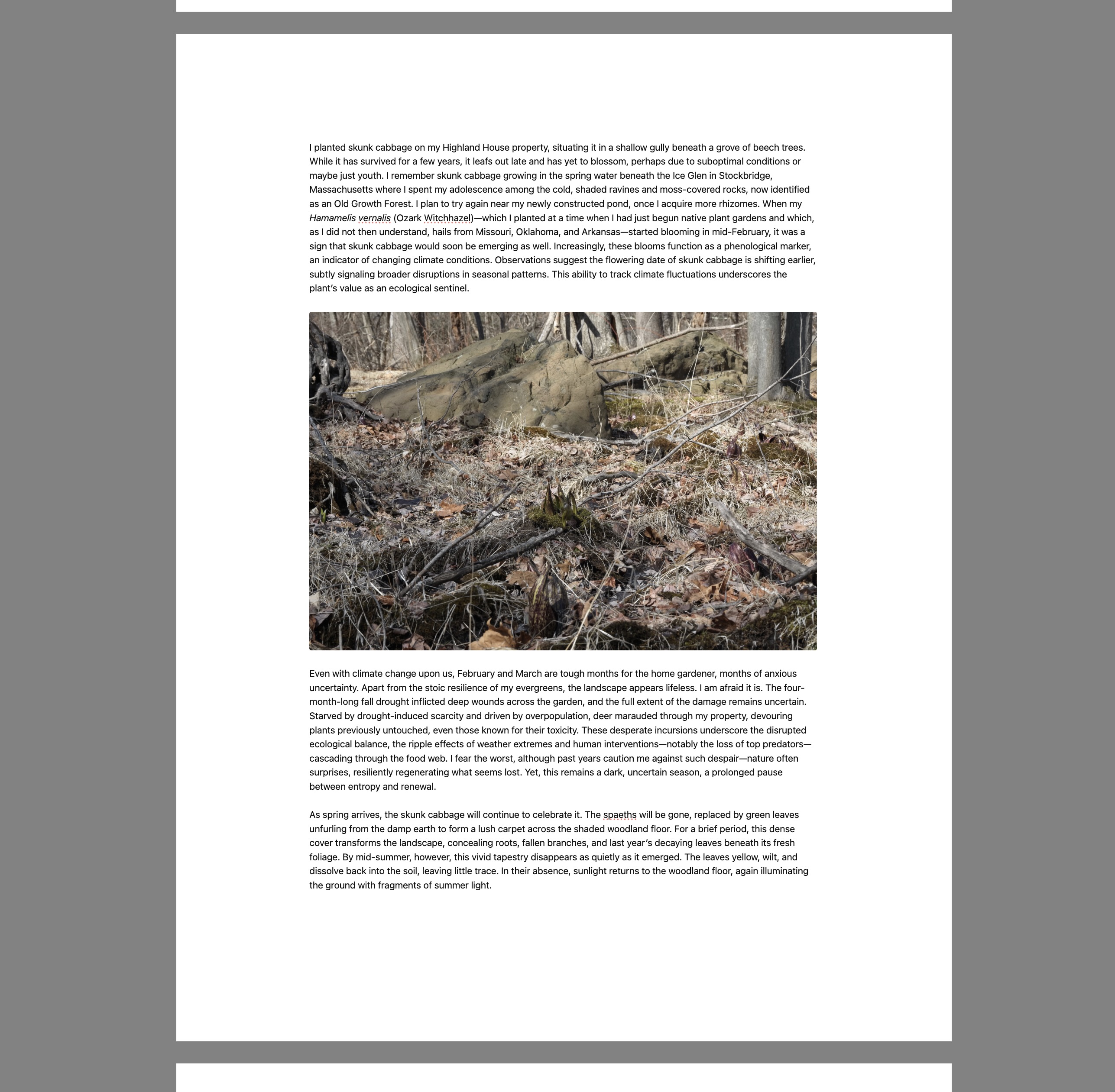
⚠️ New and experimental. This is a young plugin. It has primarily been tested with the Minimal theme on desktop. Other themes may produce visual quirks around image embeds, page-gap bars, or text column sizing. Bug reports welcome — please include your theme name and a screenshot.
What it does
- Paper-like pages: Your note renders as a stack of pages separated by visible gaps, using the selected paper trim, margins, type size, and measured text width.
- Book and manuscript page sizes ordered from smaller to larger: Trade 6 × 9, Academic 7 × 10, Letter, and A4.
- Point-size type controls: Increase or decrease body text in typographic points from the command palette or bottom control bar.
- Mid-paragraph pagination: Long prose paragraphs can split at word boundaries, so book-sized pages do not leave large blank areas just because a paragraph is too long.
- Paginated view at any zoom: Uses CSS
zoomto magnify without reflowing, so page breaks stay stable while you scale up or down. - Soft backdrop: A neutral gray behind the page, adjustable from light to near-black, to take the room out of your peripheral vision.
- No status bar, no tab headers while active. If sidebars are open, they will show. I recommend closing them first.
- Per-note zoom memory: Each note remembers its zoom level.
Limits
- Pagination is an editor layout aid, not a print/PDF typesetter. It estimates text height from the live editor font metrics and inserts CodeMirror block widgets where page gaps should appear.
- Plain prose paragraphs can split inside the paragraph at word boundaries. Headings, images, mixed image/text lines, and more complex blocks still prefer block-level breaks.
- Images and text are the primary targets. Mermaid diagrams, tables, callouts, and other complex elements may not paginate perfectly yet.
Settings
| Setting | Default | Notes |
|---|---|---|
| Paper size | Letter | Trade 6 × 9, Academic 7 × 10, Letter, or A4. Controls the page surface aspect ratio. |
| Show page breaks | On | Visible gray bar between pages; long prose paragraphs can split at word boundaries. |
| Words per page | 400 | Legacy target retained for compatibility. Current pagination is based on measured page geometry. |
| Page gap height | 60 px | Height of the gray gap between pages. |
| Default paper width | 90% | Percentage of viewport width the page occupies. |
| Max paper width | 1400 px | Absolute cap on page width. Prevents the page from ballooning on large external monitors. |
| Image width | 100% | Width of embedded images as a percentage of the text column. Centers automatically below 100%. Per-image overrides via ![[img.jpg|400]] still work. |
| Type size | 12 pt | Body text size in typographic points. Typical manuscript text is 12 pt; printed book interiors often land around 10–11 pt. |
| Side margin | 1.25 in | Left/right margin between paper edge and text column. Small book trims cap overly large margins to preserve a readable text block. |
| Top/bottom margin | 1.0 in | Vertical margin on each page. Small book trims cap overly large margins to preserve usable page depth. |
| Default background | 35% | 0 = light, 100 = near-black. |
| Enable debug mode | Off | Writes verbose pagination logs to working/composition-mode-page-break-debug.md. |
Manual page breaks
Add either marker on its own line to force a page break before the next block:
<!-- pagebreak -->
or:
%%pagebreak%%
Install
From the community directory (recommended)
- In Obsidian: Settings → Community plugins → Browse, search for Composition Mode.
- Install and enable.
Manual
- Download
main.js,manifest.json, andstyles.cssfrom the latest release. - Drop them into
<your vault>/.obsidian/plugins/composition-mode/. - Reload Obsidian, enable the plugin under Community Plugins.
Use
- Open a note and toggle Composition Mode from the command palette. No default hotkey ships; assign one under Settings → Hotkeys (
Mod+Shift+Cworks well). - A control bar appears on mouseover at the bottom edge: zoom, type size, paper size, page breaks, side/top margins, background, and word count.
- Exit via the Exit button in the control bar, or press Escape.
Commands
All commands appear under the "Composition Mode:" prefix in the palette.
- Toggle
- Reset zoom
- Zoom in / Zoom out
- Increase type size / Decrease type size
- Toggle status bar
Known limitations
- Desktop only. The isolation layer relies on DOM nodes that mobile Obsidian lays out differently.
- Theme-dependent rendering. Tested mainly with Minimal. Other themes may:
- Show visible slivers between the page-gap bar and the paper edge.
- Clip or misalign the page-gap bar's horizontal bleed.
- Render image embeds at unexpected widths.
- Override the paper background with a theme-specific color.
- No live preview toggle. The plugin operates on source/live-preview modes; switching to reading view while composition mode is active is untested.
Changelog
See CHANGELOG.md.
License
MIT — see LICENSE.