Search...Search plugins and themes...
⌘K
Sign in
  • Get started
  • Download
  • Pricing
  • Enterprise
  • Account
  • Obsidian
  • Overview
  • Sync
  • Publish
  • Canvas
  • Mobile
  • Web Clipper
  • CLI
  • Learn
  • Help
  • Developers
  • Changelog
  • About
  • Roadmap
  • Blog
  • Resources
  • System status
  • License overview
  • Terms of service
  • Privacy policy
  • Security
  • Community
  • Plugins
  • Themes
  • Discord
  • Forum / 中文论坛
  • Merch store
  • Brand guidelines
Follow us
DiscordTwitterBlueskyThreadsMastodonYouTubeGitHub
© 2026 Obsidian

Better Recall

florianwoelkiflorianwoelki3k downloads

Add anki-like spaced repetition and recall to your vault.

Add to Obsidian
  • Overview
  • Scorecard
  • Updates5

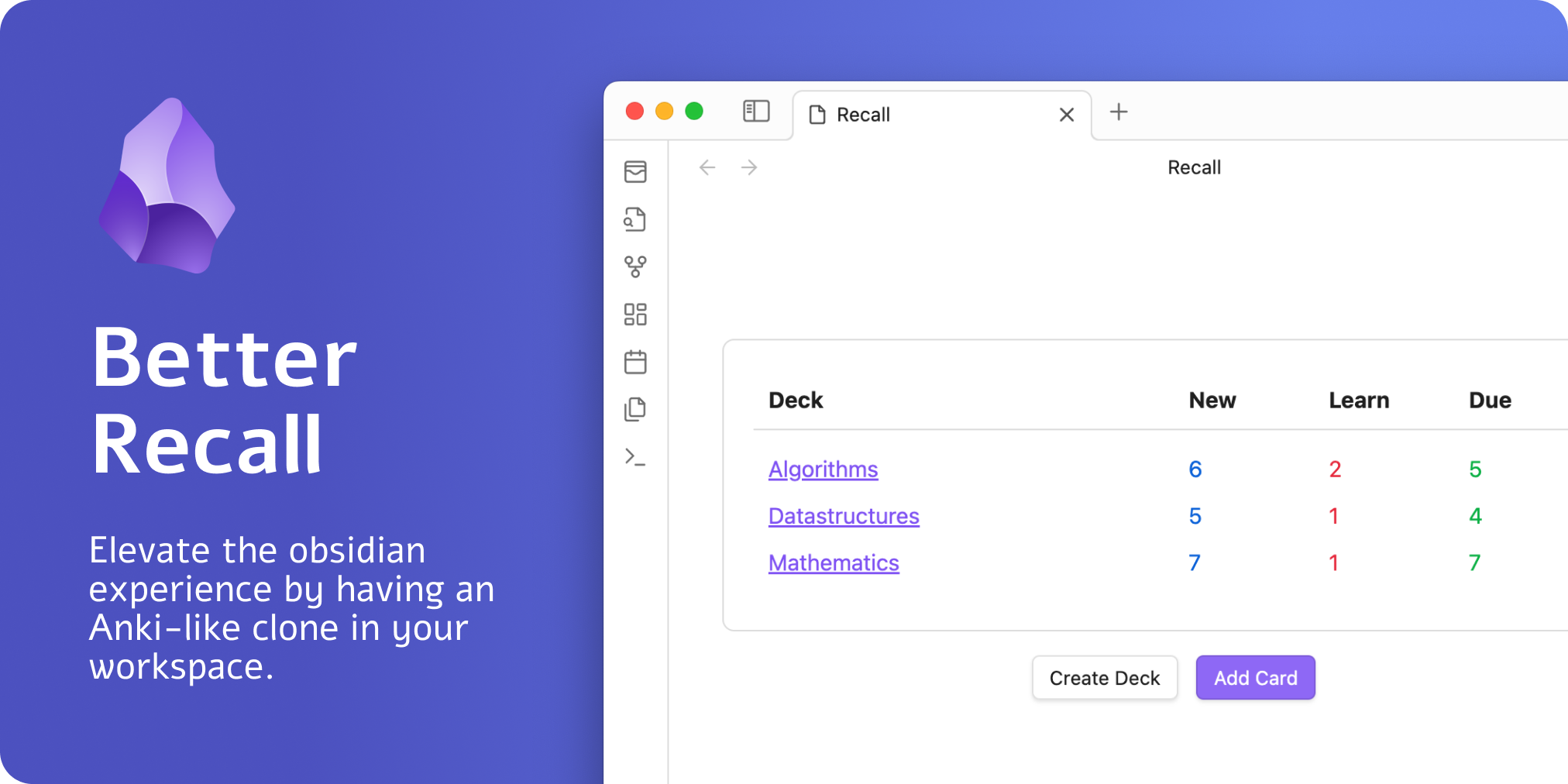
Preview Image

What is it?

This plugin allows you to have an Anki-like feeling in Obsidian. It allows you to create decks and add cards, giving you the ultimate spaced repetition experience.

The plugin integrates the following spaced-repetition algorithms:

  • Anki algorithm
  • FSRS algorithm

How to use it

Although everything with the plugin should be self-explanatory, here's a quick rundown of how to get started.

You can view your decks by clicking this sidebar icon:
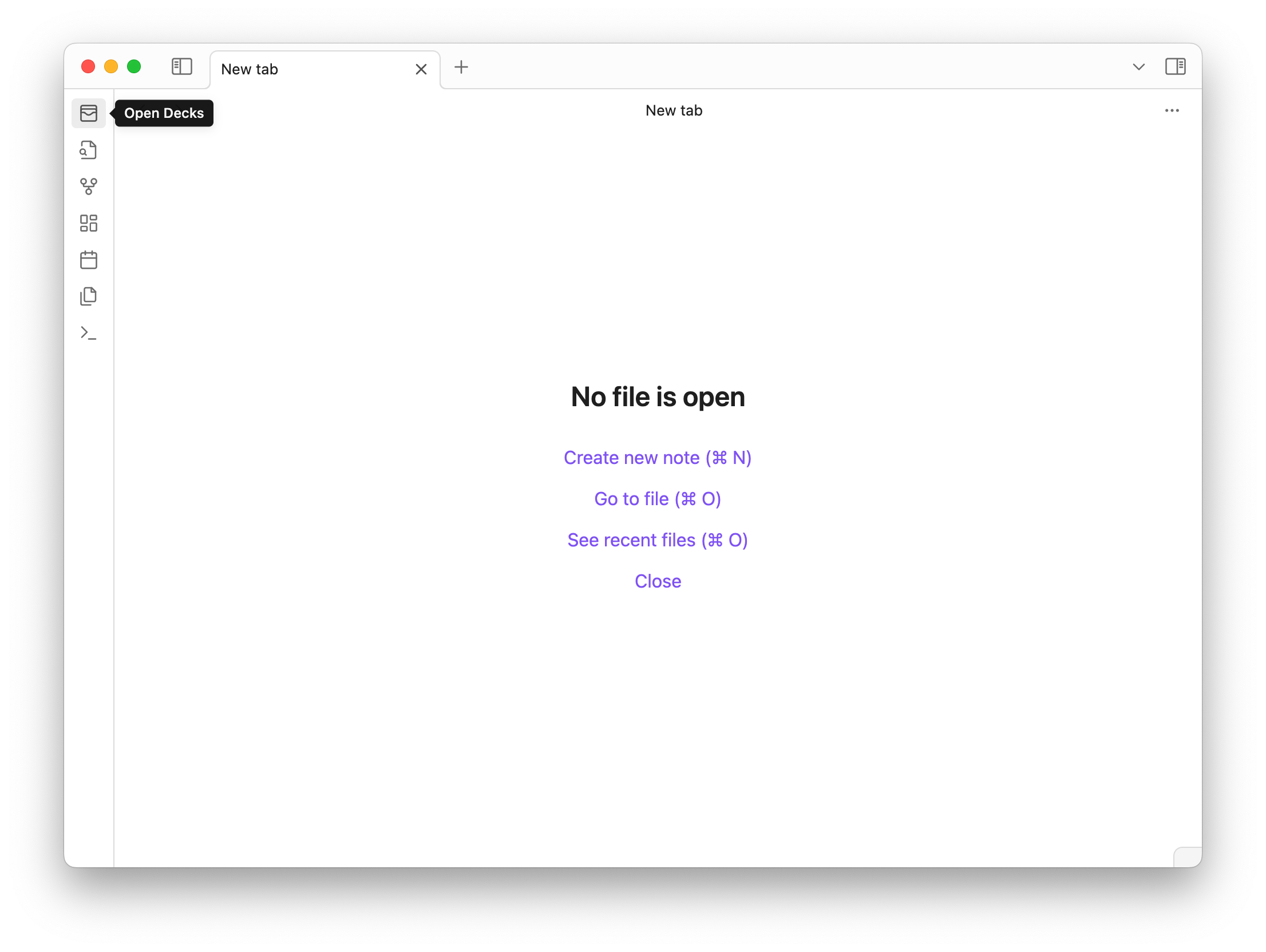
Preview Image

You can also access your created decks by executing the command Better Recall: Recall.

With that, you can create decks and cards and start your spaced-repetition journey.

Reviewing cards

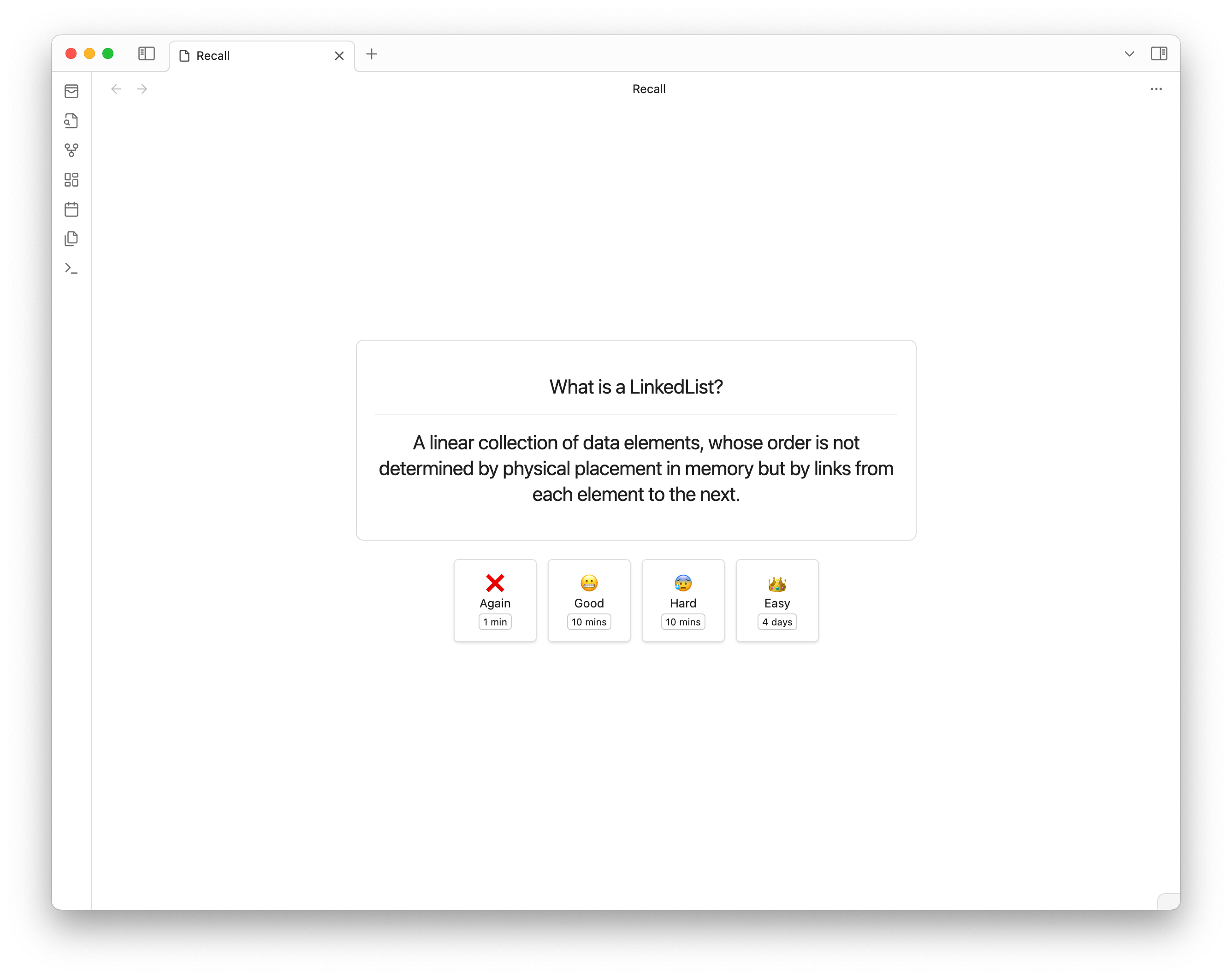
By clicking on any deck you have created, you can start your spaced-repetition session (obviously you need cards in the deck). Based on the specific parameters, the different timings and multiplier will be adjusted accordingly.
Preview Image

Development

To customize this project for your needs, you can clone it and then install all dependencies:

$ git clone https://github.com/FlorianWoelki/obsidian-better-recall
$ cd obsidian-better-recall
$ yarn

After the installation, you need to create a env.mjs file in the root directory. Fill the file with the following content:

export const obsidianExportPath =
  '<path-to-obsidian-vault>/.obsidian/plugins/obsidian-better-recall';

Afterward, you can start the rollup dev server by using:

$ pnpm dev

This command will automatically build the necessary files for testing and developing every change. Furthermore, it copies all the essential files to the specified plugin directory.

Finally, you can customize the plugin and add it to your plugins.

HealthExcellent
ReviewRisks
About
Create Anki-style decks and cards inside Obsidian and run spaced-repetition review sessions directly in your vault. Use Anki or FSRS algorithms to schedule reviews and adjust timings and multipliers per deck.
Flashcards
Details
Current version
0.0.5
Last updated
2 months ago
Created
2 years ago
Updates
5 releases
Downloads
3k
Compatible with
Obsidian 0.9.12+
Platforms
Desktop, Mobile
License
MIT
Report bugRequest featureReport plugin
Author
florianwoelkiflorianwoelki
florianwoelki.com/
GitHubflorianwoelki
  1. Community
  2. Plugins
  3. Flashcards
  4. Better Recall

Related plugins

Spaced Repetition

Fight the forgetting curve by reviewing flashcards & entire notes.

Yanki

Sync flashcards from a folder in your vault to Anki. Pure Markdown syntax. No fuss.

Flashcards

Anki integration.

LearnKit

A native study system for your Obsidian vault. LearnKit turns notes into durable knowledge with flashcards, spaced repetition, tests, and more.

Quiz Generator

Generate interactive flashcards from your notes using models from OpenAI (ChatGPT), Google (Gemini), Ollama (local LLMs), and more. Or manually create your own to use with the quiz UI.

Advanced Copy

Copy Markdown and transform it into HTML, Anki, or any custom format. Create custom profiles with versatile templates tailored to your workflow.

Review

Add a link to the current note to a daily note on a future date (or a past date, you time traveller).

Aosr

Another Obsidian spaced repetition. Use flashcards to review and remember knowledge.

Simple Anki Sync

Simple way to sync basic flashcards with Anki with zero time tweaking settings and 100 % of your time learning.

Repeat

Review notes using periodic or spaced repetition.