Watermark S3 Uploader


Upload images to Cloudflare R2 or any S3-compatible storage. Features: WebP conversion, image compression, text & logo watermark with live preview.
- Overview
- Scorecard
- Updates1
An Obsidian plugin that intercepts image paste/drop events, optionally converts to WebP, applies a canvas-based watermark, uploads to Cloudflare R2 (or any S3-compatible storage), and inserts the resulting URL as a markdown image link.
Features
- Auto-upload on paste/drag — images are uploaded immediately without manual steps.
- WebP conversion — convert images to WebP before upload for smaller file sizes with configurable quality.
- Image compression — reduce file size with configurable quality, max dimensions, and file size limits.
- Text watermark — overlay custom text with configurable font family, size, color, bold/italic, position, and fine-tuned offsets.
- Logo watermark — overlay a local image from your vault as a watermark with configurable size, opacity, position, and offsets.
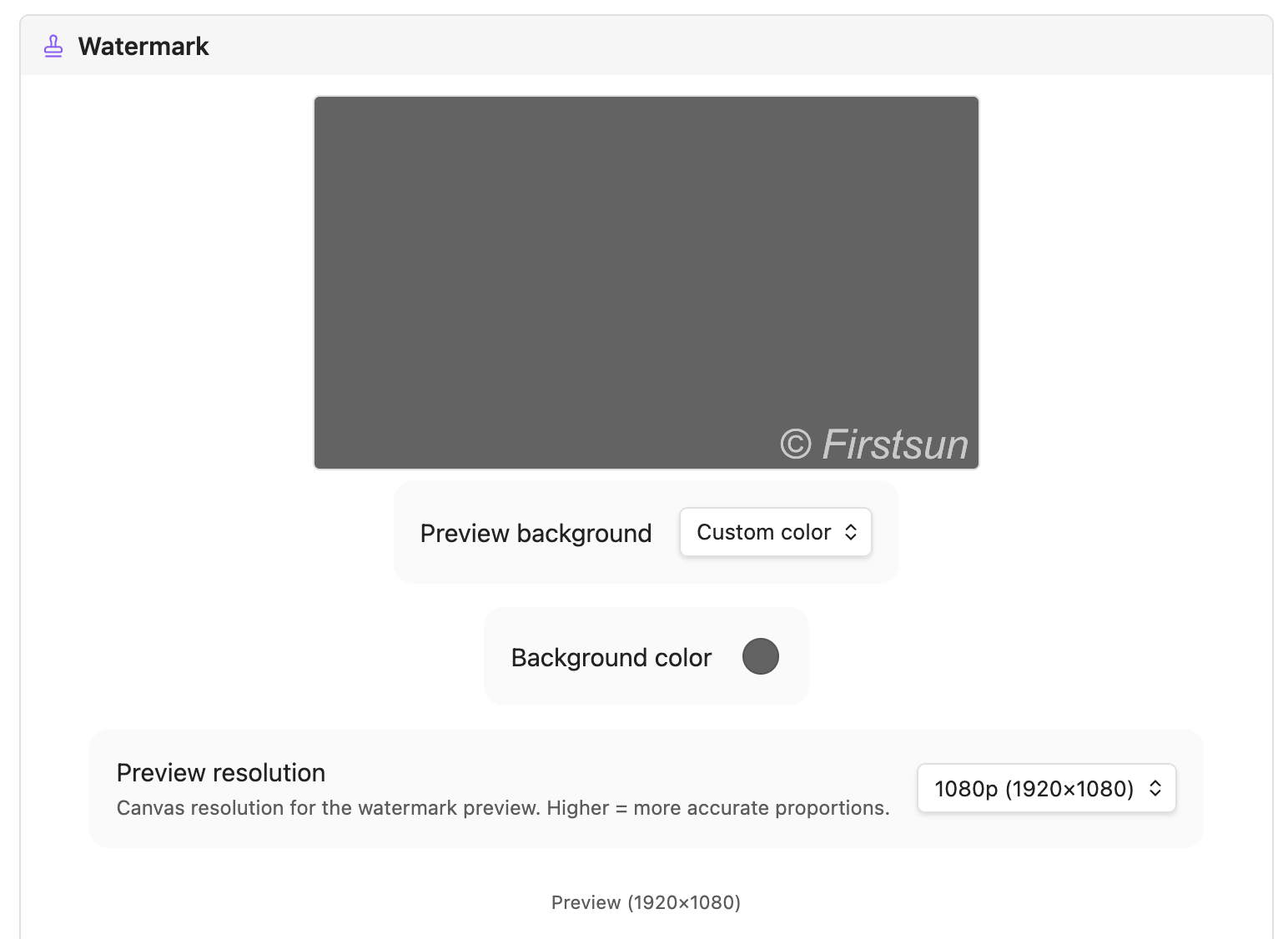
- Live watermark preview — see exactly how the watermark will look with customizable preview background and resolution.
- S3 / R2 compatibility — works with Cloudflare R2, AWS S3, MinIO, and any S3-compatible service.
- Local mode — optionally copy files to a local vault folder instead of uploading.
- Video / Audio / PDF support — optionally upload non-image files as well.
- Ignore patterns — skip uploads for specific notes matching glob patterns (e.g.
Private/*). - Connection tester — verify your S3/R2 credentials directly from the settings tab.
Installation
Manual
- Download the latest release assets:
main.js,manifest.json,styles.css. - Copy them to
<vault>/.obsidian/plugins/watermark-s3-uploader/. - Enable the plugin in Settings → Community plugins.
Configuration
Go to Settings → Watermark S3 Uploader to configure your storage provider.
Core Settings
| Field | Description |
|---|---|
| Access Key | S3 / R2 access key ID |
| Secret Key | S3 / R2 secret access key (stored securely in local storage) |
| Region | Bucket region (e.g. auto for Cloudflare R2) |
| S3 Bucket | The name of your bucket |
| Bucket Folder | Optional prefix inside the bucket. Supports ${year}, ${month}, ${day}, and ${basename} dynamic variables. |
Advanced Settings
- Custom Endpoint: Required for Cloudflare R2 and non-AWS providers.
- Force Path-Style URLs: Use
endpoint/bucket/fileinstead ofbucket.endpoint/file. - Custom Image URL: Override the public URL base (e.g. if using a CDN or custom domain).
- Query String: Append versioning or access tokens (e.g.
?v=1) to inserted links. - Bypass Local CORS: Enable if you encounter CORS issues during upload from within Obsidian.
Watermark Settings
Configure how your watermarks are rendered using the Live Preview in the settings tab.
| Field | Description |
|---|---|
| Text Watermark | Toggle text-based overlay. |
| Text | The text to display (e.g. © yourdomain.com). |
| Font Family | Specify a font (e.g. arial, georgia, monospace). |
| Font Size | In pixels. Set to 0 for auto-scaling (2% of image width). |
| Style | Toggle Bold and Italic formatting. |
| Color | CSS color string (e.g. rgba(255,255,255,0.8)). |
| Logo Watermark | Toggle image-based overlay. |
| Logo Path | Vault-relative path to your logo (e.g. _assets/logo.png). |
| Logo Size | Scale as a percentage of the target image width. |
| Logo Opacity | Transparency level (0.0 to 1.0). |
| Common | |
| Position | Choose from Bottom Right, Bottom Left, Bottom Center, or Center. |
| Offset X/Y | Fine-tune position by nudging (±% of image dimensions). |
| Preview Res | Set the canvas resolution (720p to 4k) for accurate scaling preview. |
Cloudflare R2 Quick Setup
- Create a bucket in the Cloudflare R2 dashboard.
- Generate an API token with Object Read & Write permissions.
- Set Custom Endpoint to
https://<account-id>.r2.cloudflarestorage.com. - Set Region to
auto. - Set Custom Image URL to your public bucket domain (or R2 dev domain).
Usage
- Paste an image (
Ctrl/Cmd+V) in any note — the plugin intercepts it, processes, uploads, and inserts. - Drag and drop an image onto the editor (ensure "Upload on drag" is enabled).
- Command Palette →
Upload imageto manually select and upload a file. - Auto-upload on create — if enabled, any image file added to your vault (e.g. via sync) will be automatically uploaded and removed locally.
Watermark & Processing
The plugin includes a powerful Live Preview canvas in the settings tab.
- Text Watermark: Customize text, font, size (0 for auto), colors, and position.
- Logo Watermark: Provide a vault-relative path (e.g.
_assets/logo.png) to use an image as a watermark. - Compression: Set a maximum file size or dimensions to save on storage and bandwidth.
- WebP: Toggle conversion to modern WebP format for optimal web performance.
Development
- Install dependencies:
npm install - Start development mode with hot-reload:
npm run dev - Build for production:
npm run build - Run tests:
npm test - Lint code:
npm run lint
License
MIT
84%
HealthExcellent
ReviewCaution
About
Intercept pasted or dropped images, apply canvas-based text or logo watermarks, optionally convert/compress to WebP, and upload to Cloudflare R2 or any S3-compatible storage. Insert the uploaded file's URL as a Markdown image link, preview watermarks live, use local copy mode, and optionally upload video, audio, and PDF files.Details
Current version
1.1.0
Last updated
4 days ago
Created
2 months ago
Updates
1 release
Compatible with
Obsidian 1.6.6+
Platforms
Desktop, Mobile
License
MIT