Search...Search plugins and themes...
⌘K
Sign in
  • Get started
  • Download
  • Pricing
  • Enterprise
  • Account
  • Obsidian
  • Overview
  • Sync
  • Publish
  • Canvas
  • Mobile
  • Web Clipper
  • CLI
  • Learn
  • Help
  • Developers
  • Changelog
  • About
  • Roadmap
  • Blog
  • Resources
  • System status
  • License overview
  • Terms of service
  • Privacy policy
  • Security
  • Community
  • Plugins
  • Join the community
  • Discord
  • Forum / 中文论坛
  • Merch store
  • Brand guidelines
Follow us
DiscordTwitterBlueskyThreadsMastodonYouTubeGitHub
© 2026 Obsidian

Math+

ocapraroocapraro46k downloads

Take math notes using Excalidraw.

Add to Obsidian
  • Overview
  • Scorecard
  • Updates26

Obsidian Math+ is a plugin for taking math notes quickly and efficiently.



Usage

Run the Insert math block command, either using the command pallet or cmd + M. This will create a math block for you to start taking notes in, you can write these notes using LaTeX, or just write the equations out intuitively, and they will be parsed to the best of this plugin's ability.
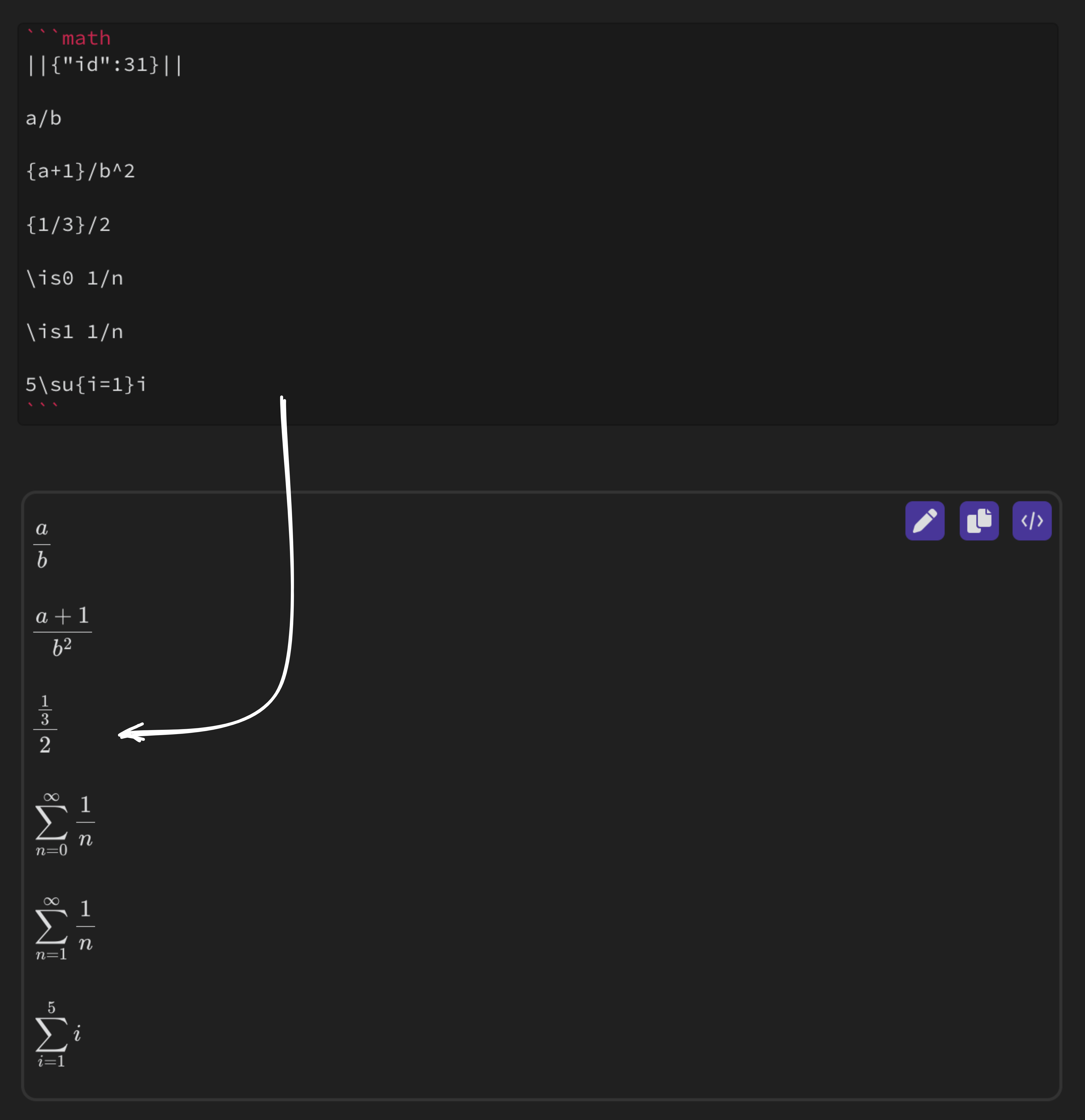
rendered equation

Now that your notes have been rendered, you can go into draw mode by clicking the pen icon in the top right of the block. This opens up an Excalidraw instance over the math block so you can easily add freeform annotations.

Note: This only works in Live Preview Mode
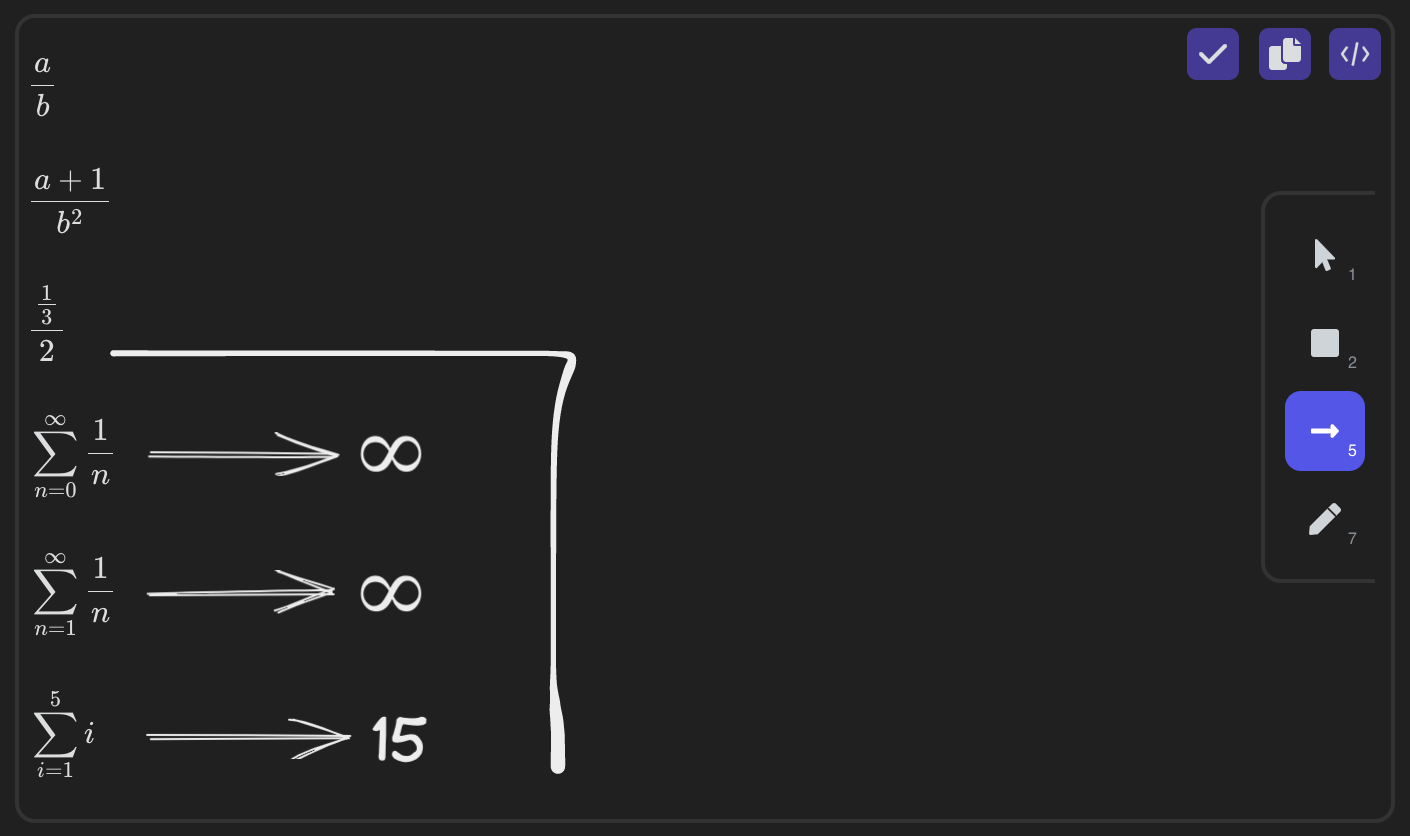
excalidraw

To save your drawing, press the checkmark in the upper right corner, and your drawing will be rendered as an SVG.
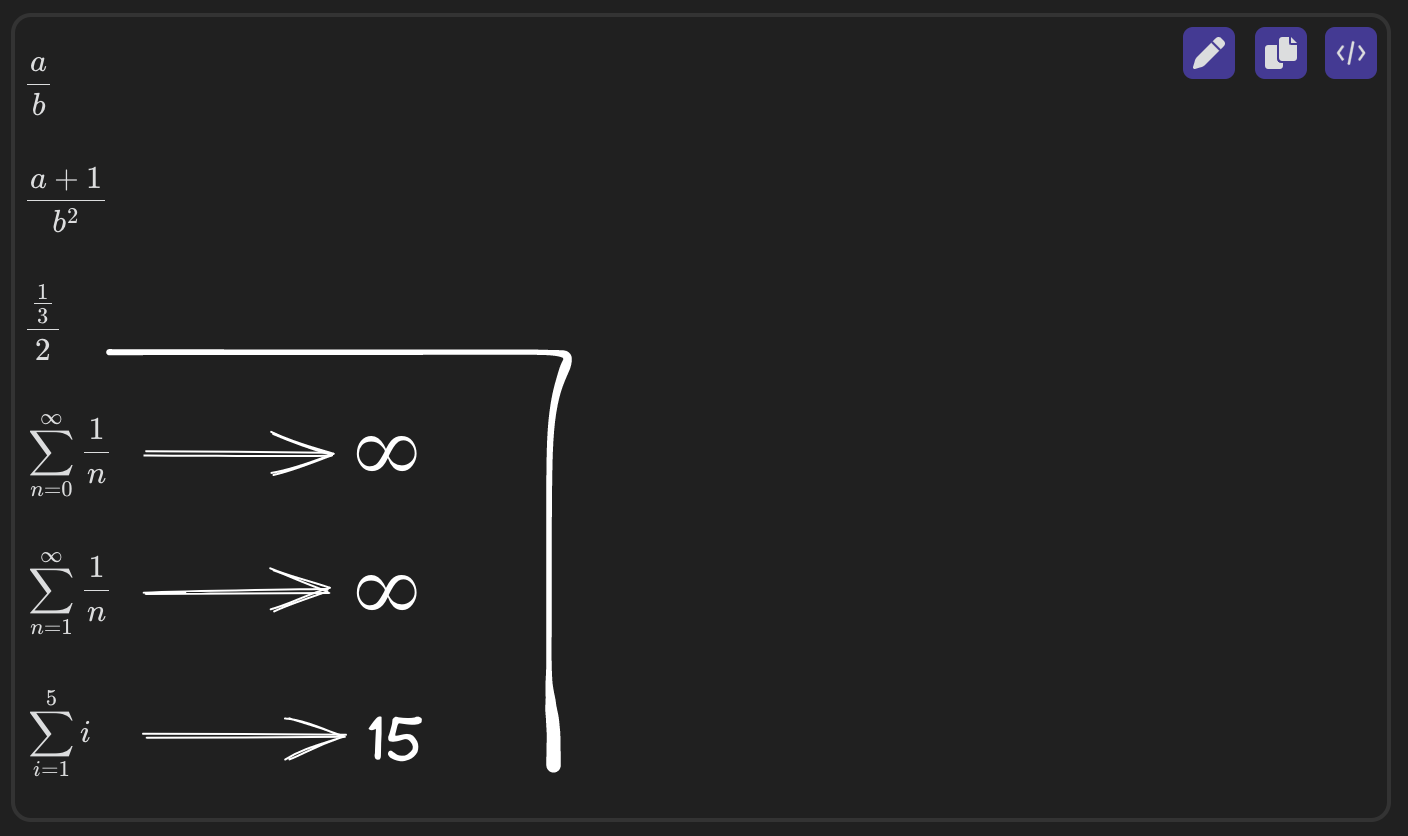
excalidraw svg

Settings

Save Data Path

This setting allows you to change the location of where your drawings and drawing data should be saved.

path settings

Shortcuts

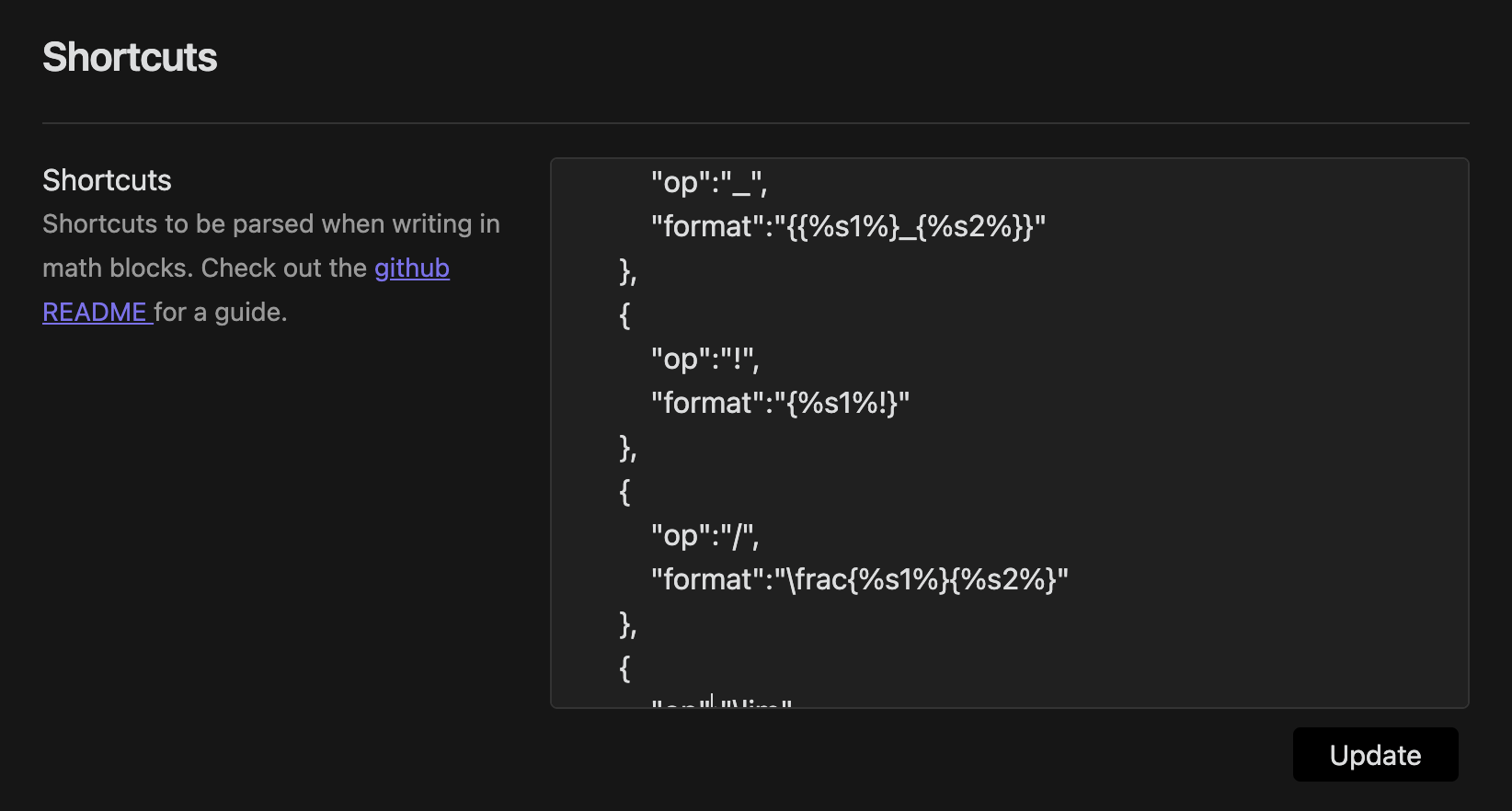
The Shortcuts setting lets you input custom commands to be translated into LaTeX when input into the math blocks.

{
  "op":"COMMAND",
  "format":"LATEX"
}

You can also pass parameters to the shortcuts, using %s1% or %s2% to denote the character or group directly before or after the shortcut.

{
  "op":"/",
  "format":"\frac{%s1%}{%s2%}"
}

This shortcut makes it so whenever you type / it will get the character or group directly before it, and put it into fraction format. ie. 3/17 would turn into \frac{3}{17} and {x-5a}/2 would turn into \frac{x-5a}{2}. All shortcuts must remain in proper JSON format.
math block size settings

Use the update button to apply your shortcut changes.

Colors

Here you can change the three default colors you can pick from while taking notes, or turn on the color picker for customization on the fly.
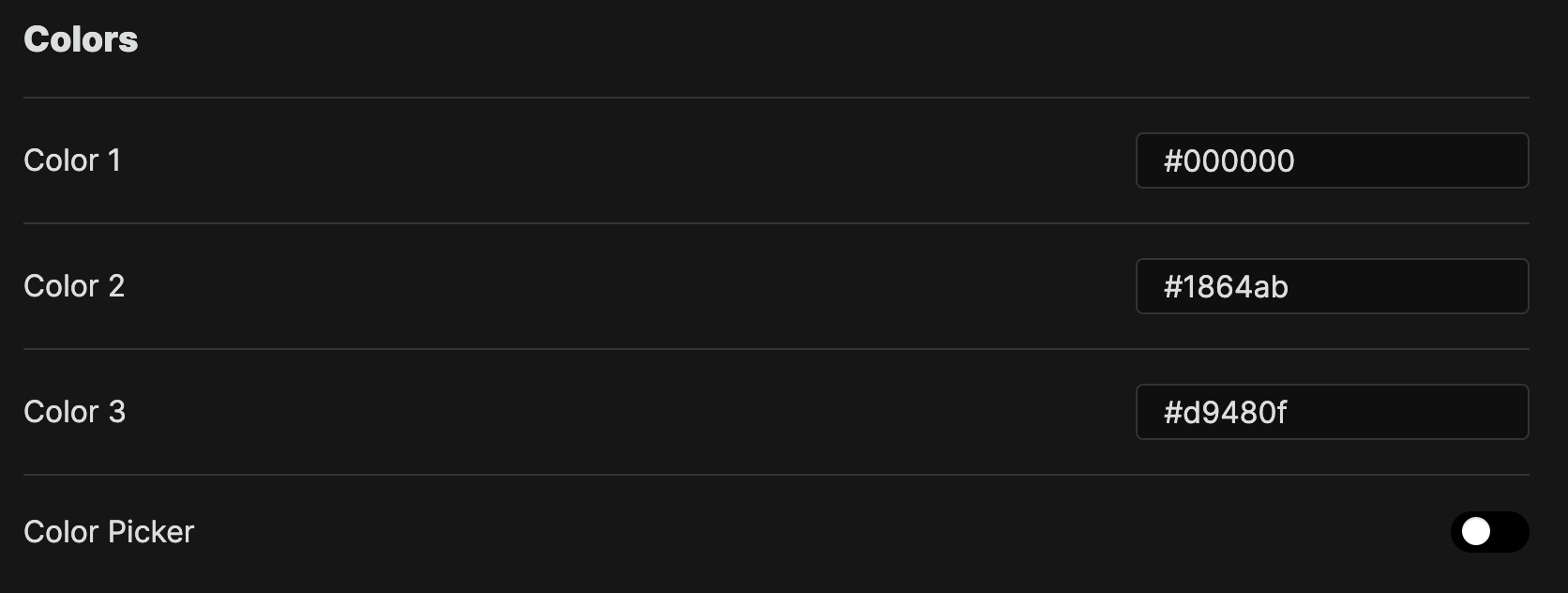
colors settings

Math Block Size

This allows you to change the size of the math blocks.

math block size settings

Live Preview Settings

This allows you to toggle live preview on and off.

live preview settings

Metadata Settings

This allows you to toggle on and off some of the metadata stored in the code blocks.
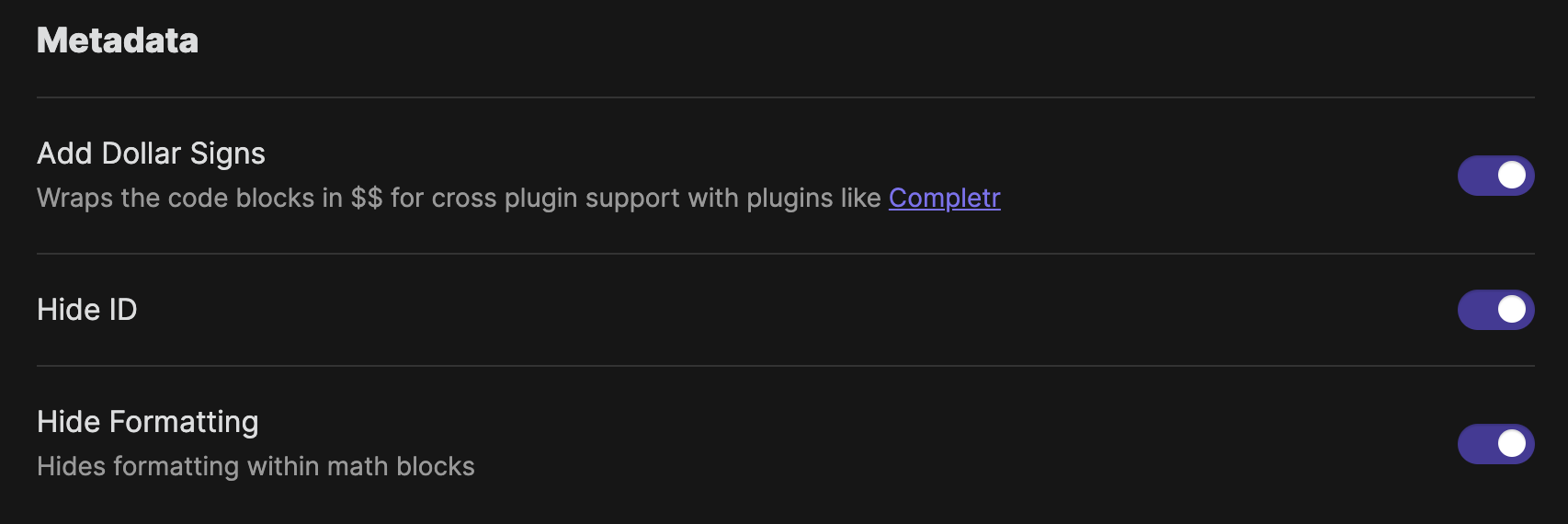
metadata settings

Excalidraw UI

Excalidraw has a lot of drawing tools which you can toggle on or off here based on your needs.
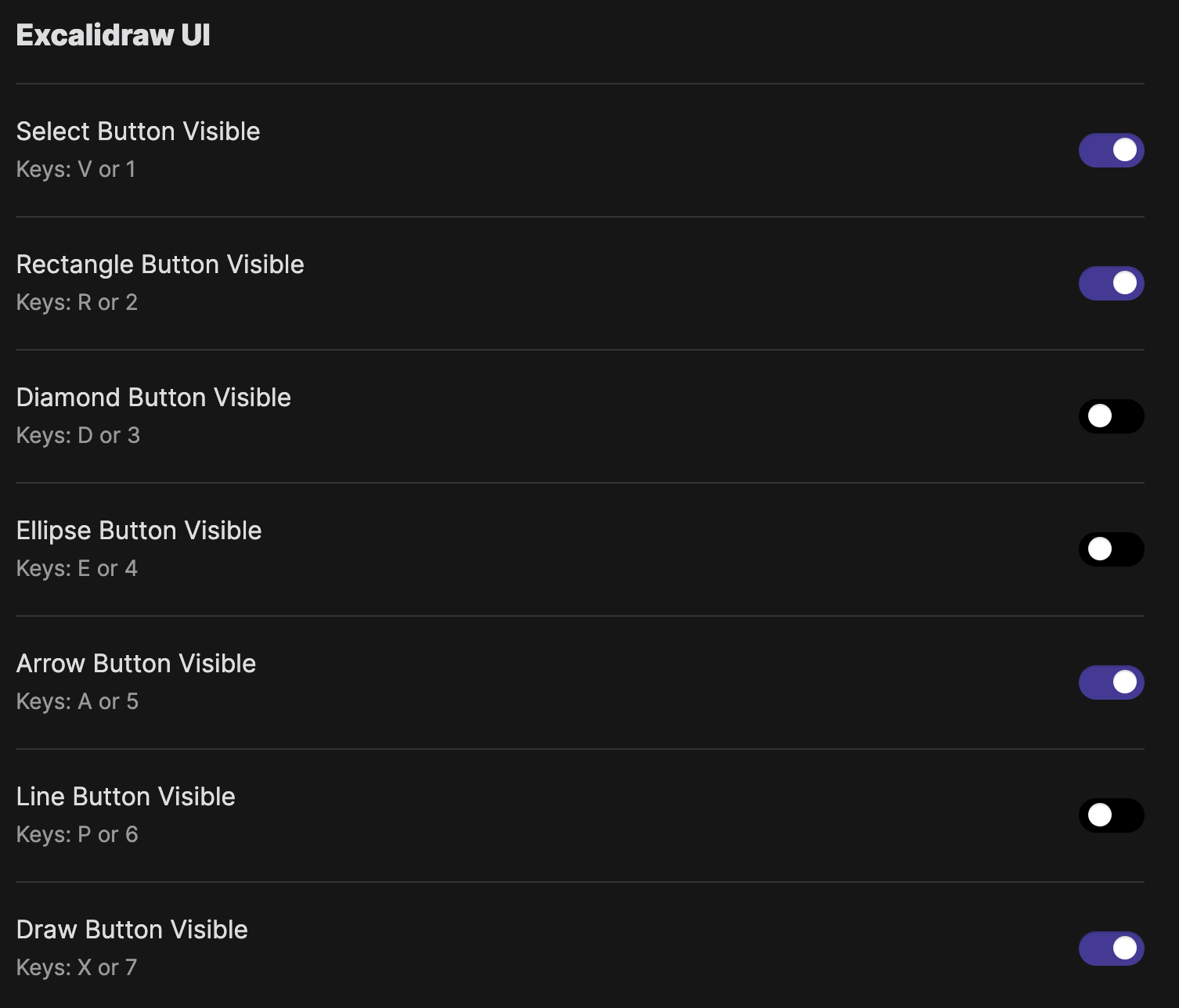
excalidraw ui settings

Excalidraw Settings

You can toggle grid mode on or off here.

excalidraw settings

65%
HealthFair
ReviewCaution
About
Insert math blocks that render LaTeX or intuitively typed equations into formatted math. Annotate equations with an Excalidraw overlay and save drawings as SVG. Define custom shortcuts to auto-convert typed patterns into LaTeX for faster note-taking.
MathLaTeXDrawing
Details
Current version
0.7.0
Last updated
2 years ago
Created
4 years ago
Updates
26 releases
Downloads
46k
Compatible with
Obsidian 0.12.0+
License
MIT
Report bugRequest featureReport plugin
Author
ocapraroocapraro
github.com/ocapraro
GitHubocapraro
  1. Community
  2. Plugins
  3. Math
  4. Math+

Related plugins

Quick LaTeX

Simplify and speed up LaTeX math typing.

Extended MathJax

Enable additional MathJax packages and adds a global preamble for MathJax.

Typst Mate

Render math expressions with Typst instead of MathJax.

Latex Suite

Make typesetting LaTeX math as fast as handwriting through snippets, text expansion, and editor enhancements.

Desmos

Embed Desmos graphs into your notes.

MathLive

Faster and more intuitive MathJax editing using MathLive.

Better Math in Callouts & Blockquotes

Add better Live Preview support for math rendering inside callouts & blockquotes.

LaTeX Math

Evaluate, solve and much more within LaTeX blocks using Sympy.

Matrix

Utility to easily create LaTeX matrices.

Calctex

Calculate LaTeX formulas.